
 Do you have switch documentation problems?
Discover Devices Attached to Switch Ports
Switch Manufacturer Independent
Map One Switch or a List of Switches
Low cost - $229 - Try it today!
Find Out More
Download Now
Do you have switch documentation problems?
Discover Devices Attached to Switch Ports
Switch Manufacturer Independent
Map One Switch or a List of Switches
Low cost - $229 - Try it today!
Find Out More
Download Now
About the Managed Switch Port Mapping Tool
The Managed Switch Port Mapping Tool is software for Windows that discovers devices attached to port connectors on an SNMP managed network switch.
Ask Yourself...
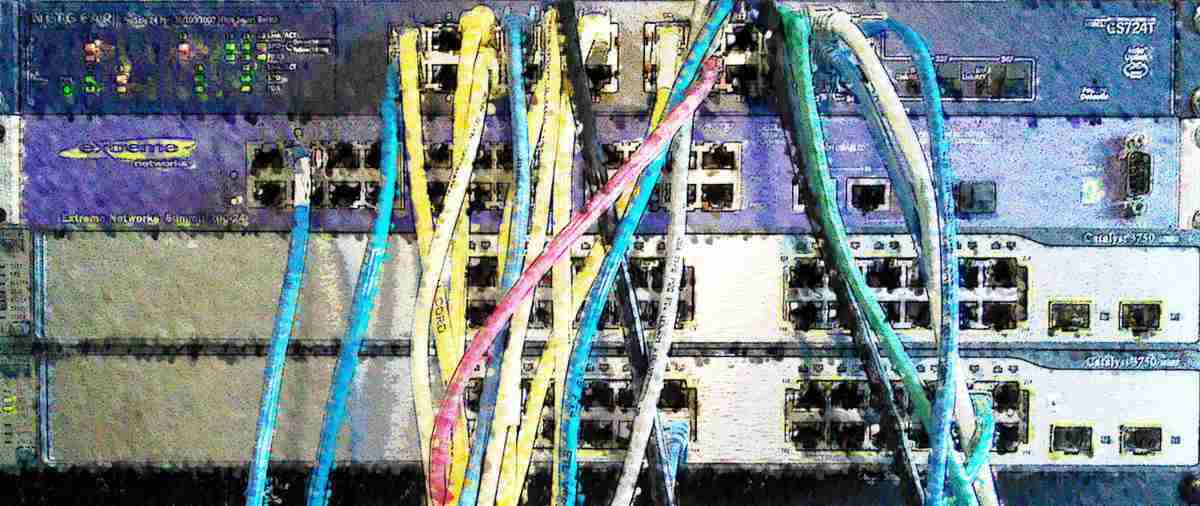
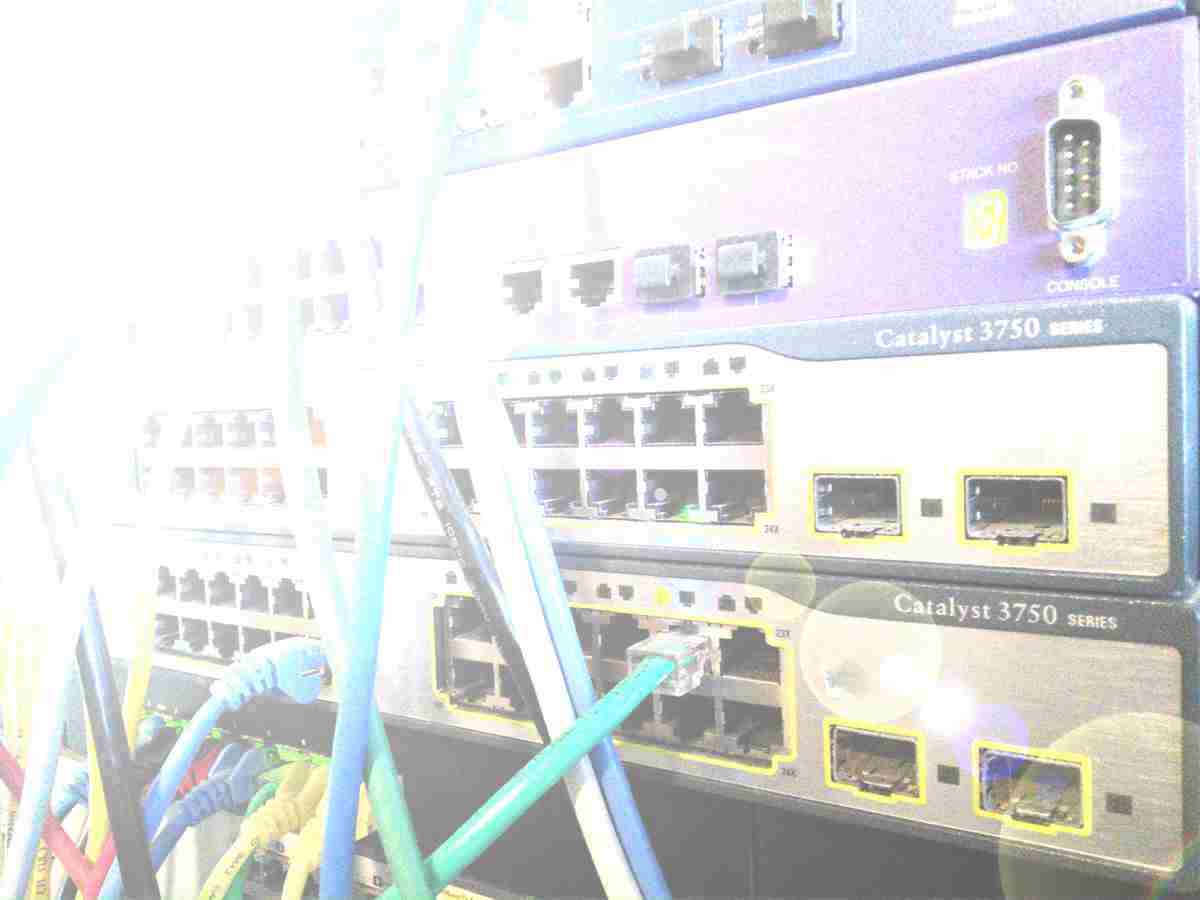
Do you have a rack of ethernet network switches
with cables leading to who knows where?
Do you need to
discover and identify the network devices attached to your
switches?
Do you need a single app to map port usage on
several different brands of switches?
We can help!
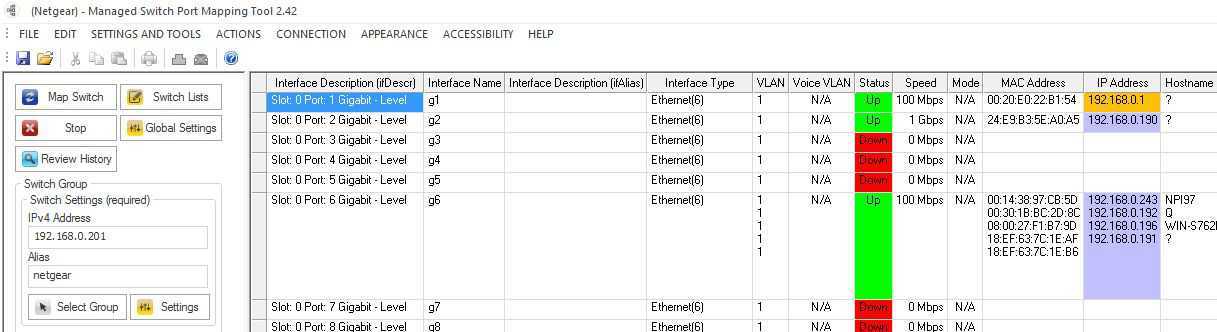
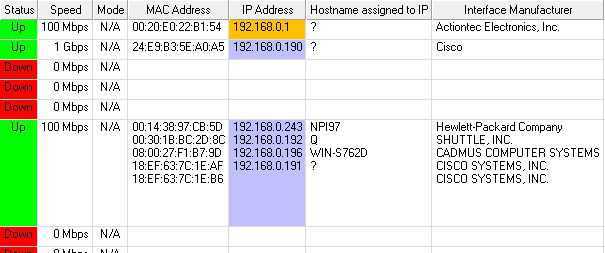
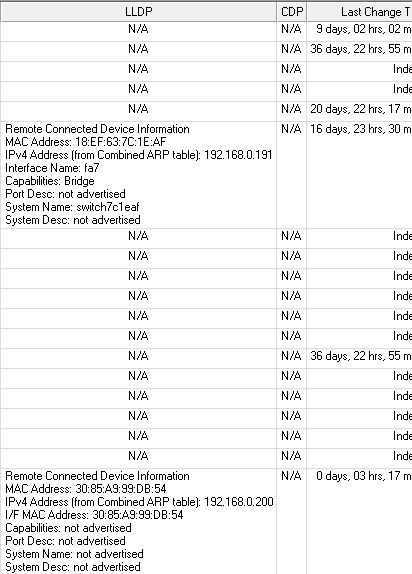
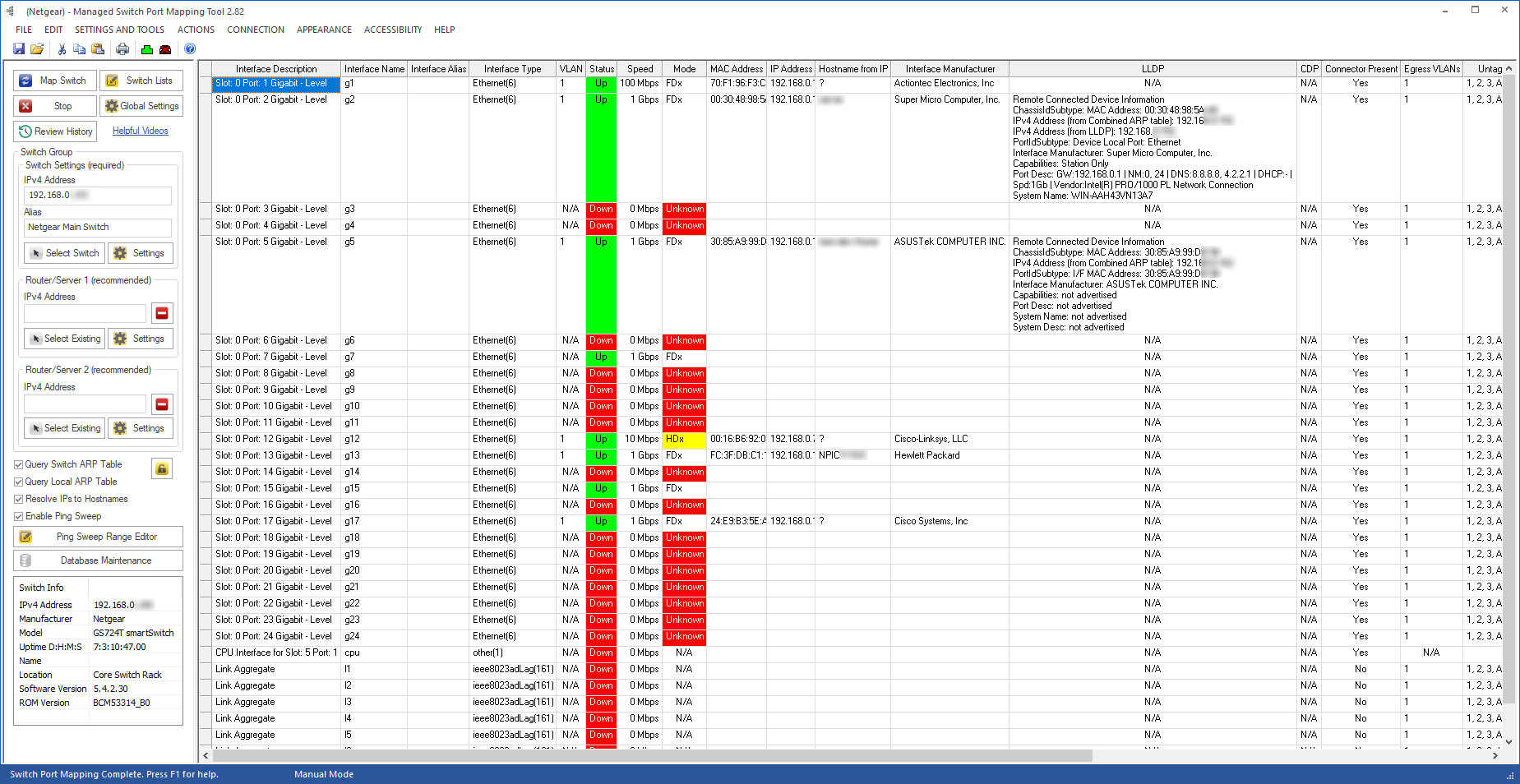
Our Switch Port Mapper can discover and show you the MAC addresses and optionally IPv4 addresses of devices attached to the physical ports of your switches. Supply the SNMP access credentials for each switch and map them manually or as a list of switches.
Managed Switch Port Mapping Tool Highlights
Works with Managed Switches
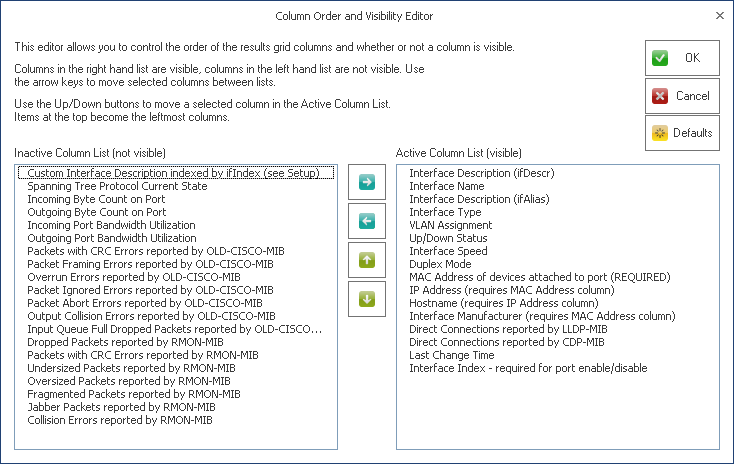
Specifically, SNMP managed network switches. You need to supply the SNMP read access credentials for each switch. We show the results in spreadsheet-like format.
FAST!
Supports SNMP v2c/v3 Bulk Transfer mode. Significantly reduces required SNMP bandwidth.
Works with many Switch Brands
Works with Cisco (IOS/Nexus/Small Business), HPE (Aruba, Legacy HP, 3-Com), Dell/Force10, TP-Link, Juniper, Extreme Networks, Netgear and others.
Installed Version
Installed on your Windows 11/10 computer hard drive. This is a desktop application (GUI). Download Now!
USB Version
Fully portable USB version runs from and saves data to a USB Flash Drive. Windows 11/10 (GUI). No installation necessary.
Try before Buy
Try out the fully functional installed version software for 30 days before buying. Download Now!
Low Cost
A single Installed Version license is $229. USB Version licenses slightly more. Discounts available, see Buy Now.
No Maintenance Plan
All v2.x updates are free.
Frequent Updates
We respond to user input and update the software as frequently as needed.
Automatically Saves Switch Data
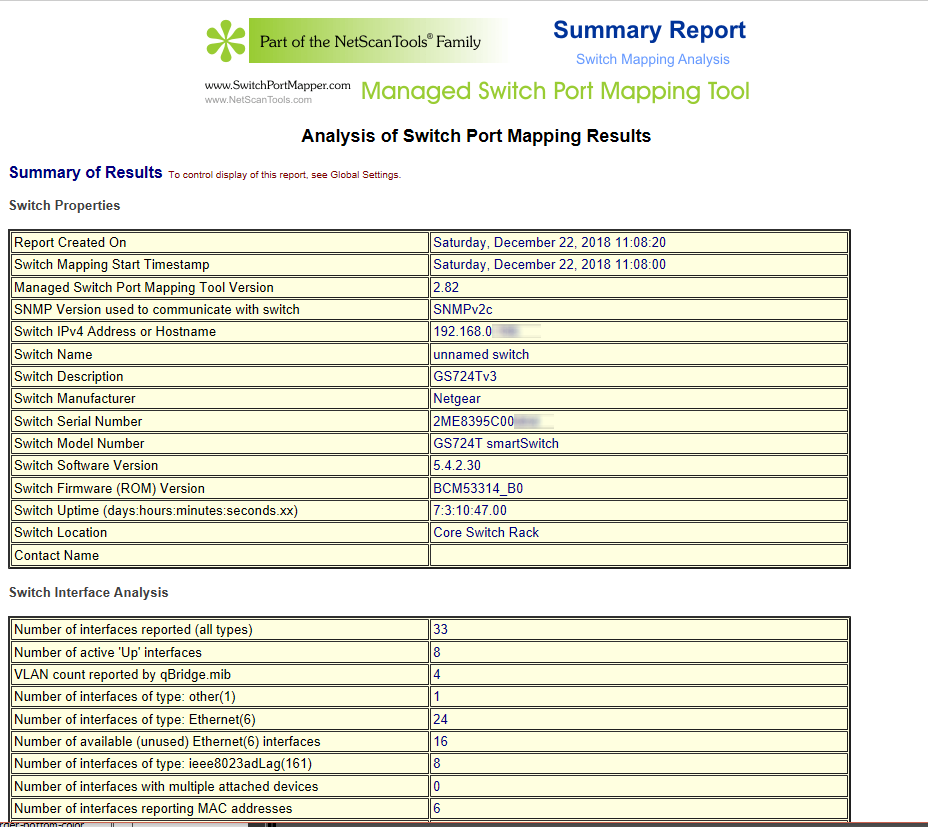
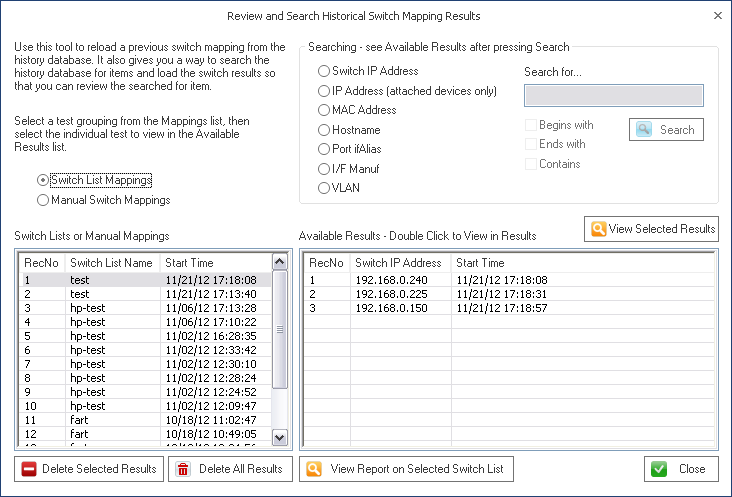
All switch mappings are saved to an SQLite database for later review and searching.
Export Data
Export to XML (uses Excel compatible schema and can be imported into other spreadsheets) and printing.
Current Version
2.86.6 released May 3, 2023


NetScanTools is a registered trademark of Northwest Performance Software, Inc.
'NetScanTools Pro', 'NetScanTools Standard', 'NetScanTools LE', 'ipPulse', 'Northwest Performance Software' and 'NetScanTools.com', are trademarks of Northwest Performance Software, Inc.
Any trademarked names mentioned herein are the property of their respective owners.
About Us
Email Us
Call Us
Help & Support Center
General Topics
Purchasing
Other Products
© 2024 Northwest Performance Software, Inc. All Rights Reserved. | Privacy Policy